The Bottom Line There is currently no verifiable information on a specific maison margiela phone case model, color, product price, discount rules, packaging conditions, or checkout amount, so it is impossible to determine whether this item saves money or to fabricate savings. The correct approach is to connect the product page, cart, and checkout page into a single chain of evidence—only count savings if the discount actually takes effect at final checkout. The [Fashionreps](https://fashion-r
The Bottom Line
There is currently no verifiable information on a specific maison margiela phone case model, color, product price, discount rules, packaging conditions, or checkout amount, so it is impossible to determine whether this item saves money or to fabricate savings. The correct approach is to connect the product page, cart, and checkout page into a single chain of evidence—only count savings if the discount actually takes effect at final checkout.
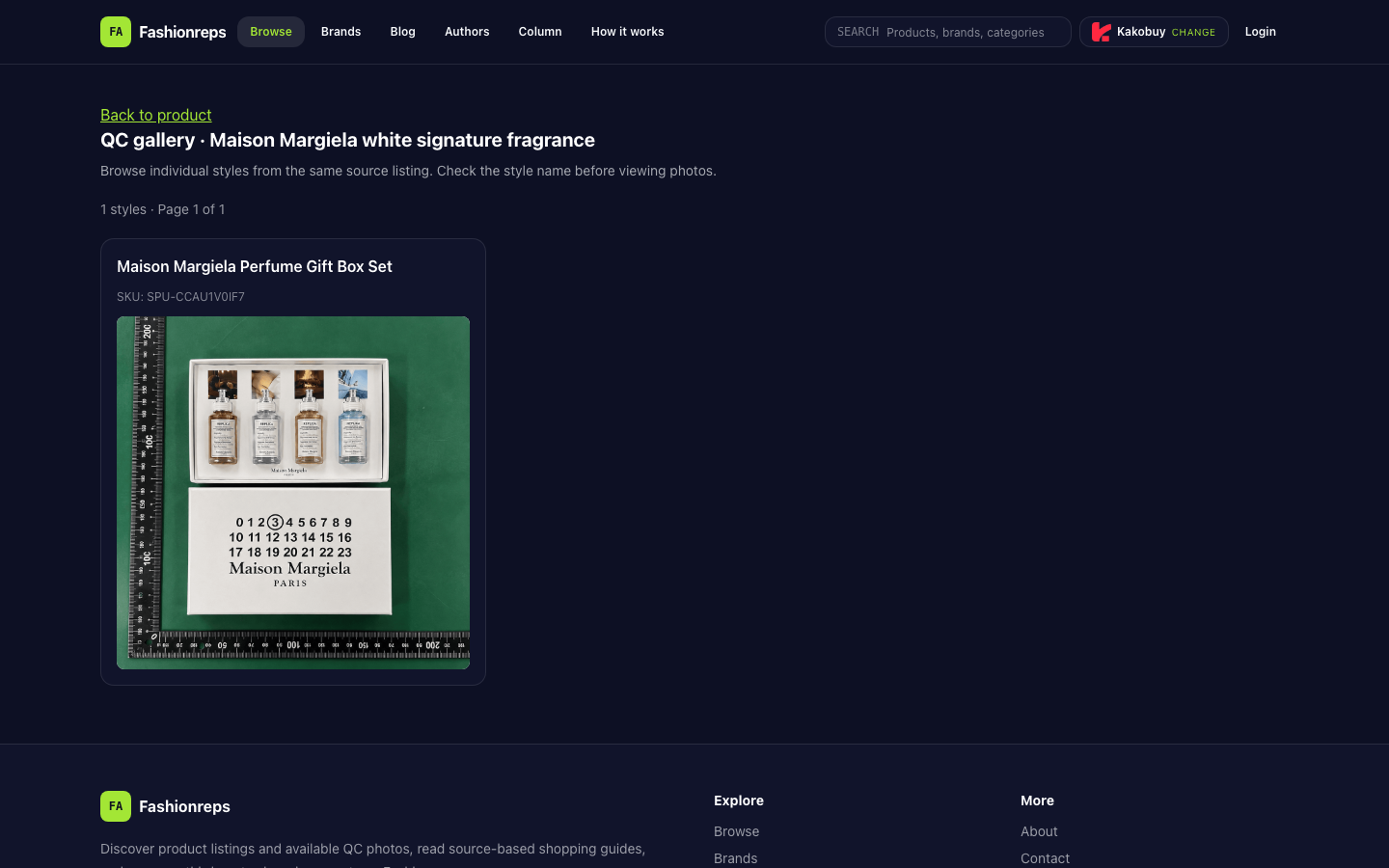
The Fashionreps page shows product discovery, QC information, and a shopping agent entry point; orders, payment, and shipping are handled by the selected agent's website. The QC page in the existing materials corresponds to a Maison Margiela perfume gift set, not a phone case, and cannot be used to prove the phone case's model, material, packaging, or availability.

Image: Schematic diagram of the phone case checkout field verification process, not representing physical, QC, or hands-on evidence of the product.
Step 1: Lock Down the Phone Case Variant
First, record the complete brand name, phone model, color, size, style number, and current stock status from the product page. Do not just write "maison margiela phone case," because different phone models or colors may correspond to different prices, packaging, and stock.
Also save a screenshot of the product page, including at least the following fields:
- Product name and specific variant
- Price displayed on the product page and currency
- Whether there are selectable colors or phone models
- Discount entry points, promo code hints, or campaign descriptions
- Product status, such as in stock, out of stock, or unable to add to cart
If the page only shows a promotional price, reference price, or price before selecting a variant, complete the variant selection first, then record the amount. When the product cannot be added to cart, the link is broken, or it is sold out, it should not be treated as a purchasable recommendation.
Step 2: Distinguish Product Discounts from Checkout Discounts
Do not just look at the eye-catching copy on the product page. Verify the discount threshold, applicable scope, exclusions, and validity period item by item.
Key points to confirm:
- Whether the discount applies to the current phone model and color
- Whether a minimum order amount is required
- Whether it is only for first-time orders, specific agents, or specific payment methods
- Whether it excludes sale items, brand items, or items from specific warehouses
- Whether the promo code has been successfully applied in the cart or at checkout
- Whether there are multiple discounts that cannot be combined
List prices, crossed-out prices, and promotional copy are only page information and cannot be directly considered actual savings. Only when a clear deduction appears in the cart or at checkout, and the deduction corresponds to the current phone case, can it be included in the cost assessment.
Step 3: List Packaging Fees Separately
Phone cases are relatively small items, but you cannot assume that packaging fees are necessarily low or free. Check whether the agent's website offers basic packaging, reinforced packaging, consolidation, removal of original packaging, or special protection options, and whether each incurs a fee.
If packaging conditions are not shown, list them as a field to be confirmed, rather than assuming zero cost. In particular, confirm whether the product's original packaging is included in the item price, whether reinforced packaging increases the chargeable weight, and whether consolidating multiple items changes the packaging fee.
Step 4: Verify Agent and Payment Costs
The purchase button on the Fashionreps page leads to the shopping agent chosen by the user. The actual amount due is subject to the agent website's cart and checkout page, and cannot be treated as the final quote based on reference information on the Fashionreps page.
Record the following:
- Item amount shown on the agent website
- Agent service fee or handling fee
- Payment processing fee and applicable payment methods
- Storage, inspection, or other clearly displayed fees
- Packaging fee and packaging options
- International shipping fee
- Exchange rate or conversion difference
If a certain fee is only shown one step before payment, at least capture the final amount and fee breakdown before payment. When the fee breakdown is not visible, do not estimate based on experience from other orders.
Step 5: Use Three Pieces of Evidence to Determine if You're Really Saving
Check in the following order:
- Product page: confirm the specific variant, item amount, and discount entry point.
- Cart: confirm whether the discount is bound to the current item, and check quantity, service fee, and packaging options.
- Checkout page: confirm international shipping fee, payment fee, exchange rate, and final amount due.
Only when the information from all three places is consistent can you determine whether the discount has actually reduced the total cost. If the product page shows a discount, but the cart does not apply it, or the checkout page adds new service and packaging fees, you cannot treat the advertised discount amount as the final savings.
Recommended Checklist
| Field to Verify | What to Confirm | Action if Missing |
|---|---|---|
| Product variant | Phone model, color, style number | Pause payment and confirm the specific variant first |
| Item amount | Actual price and currency for the current variant | Do not substitute a reference price |
| Discount | Threshold, applicable scope, exclusions, validity period | If no deduction is shown, do not count it as savings |
| Agent fees | Service fee, payment fee, and other listed fees | Use the checkout page breakdown as the authority |
| Packaging | Basic packaging, reinforcement, consolidation, etc. | If unknown, keep as a cost to be confirmed |
| International shipping | Shipping line, chargeable weight, and final amount | Do not estimate using shipping costs from other orders |
| Exchange rate | Settlement currency, conversion method, and actual charge | Record the final amount before payment |
When to Pause Payment
If you encounter any of the following, do not rush to place the order:
- The phone model or color has not been confirmed
- The product page price does not match the cart amount, with no explanation
- The promo code is invalid, not applied, or the applicable scope is unclear
- Packaging fee, service fee, or international shipping fee is not shown
- The checkout page only shows a total price without a fee breakdown
- The page cannot confirm stock, or the product link is broken
- You can only estimate the current cost based on other people's order amounts
Under the current information conditions, the safest conclusion is: first complete verification of the variant, discount, packaging, and checkout details; until you see the final amount due, you cannot confirm whether the maison margiela phone case actually saves money.