What This Burberry Hoodie Coupon Verification Solves If you're planning to buy a Burberry hoodie, what really matters isn't whether the word "discount" appears on the page—it's whether the offer applies to the exact item, your current order, and your chosen payment method. This guide helps you do a documented check before placing your order: confirm the product link, color, size, coupon terms, fee breakdown, and the final checkout total. The currently verifiable [fashionreps Burberry](https:/
What This Burberry Hoodie Coupon Verification Solves
If you're planning to buy a Burberry hoodie, what really matters isn't whether the word "discount" appears on the page—it's whether the offer applies to the exact item, your current order, and your chosen payment method. This guide helps you do a documented check before placing your order: confirm the product link, color, size, coupon terms, fee breakdown, and the final checkout total.
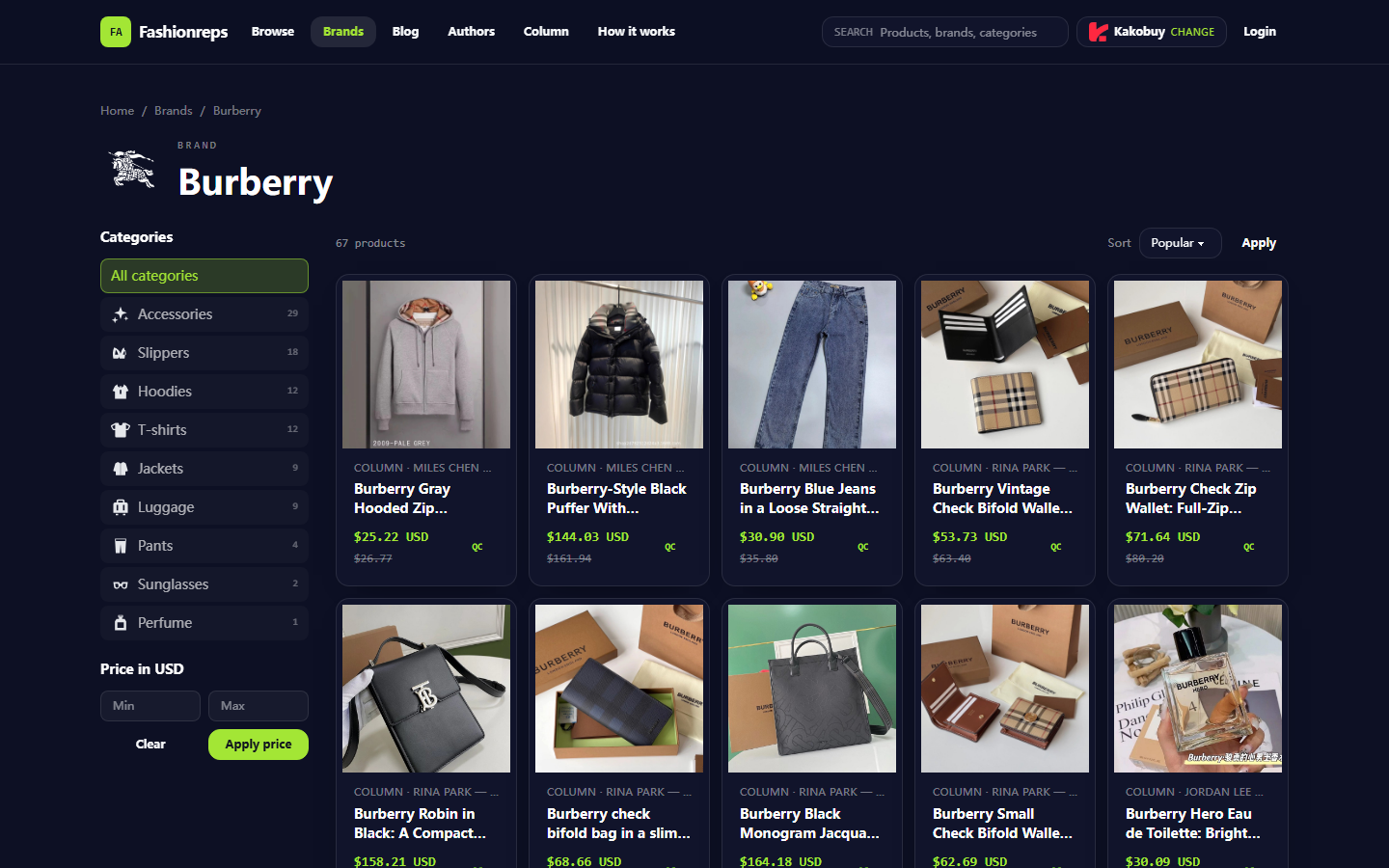
The currently verifiable fashionreps Burberry brand page shows that this brand category includes hoodies and other product types; item names, reference prices, colors, sizes, and stock status on the page may change over time. This article does not provide coupon codes, discount percentages, or savings amounts that haven't been confirmed by the current official campaign page or checkout page, and it doesn't guarantee any order can use an offer. 🧾
This applies when you've already found the target item and are ready to go to the cart or checkout; it doesn't cover authenticating the product, confirming international shipping routes, calculating destination-country taxes, or handling after-sale disputes.

Confirm Style, Color, Size, and Current Link from the fashionreps Product Page
Start from the fashionreps Burberry category page and go to the specific product; don't rely only on search result titles or old screenshots. The current page shows multiple Burberry hoodies and outerwear items with similar names, but the style, closure, color, size range, and reference price differ.
Before ordering, record the following:
- Full product name and current page URL
- Product type, e.g., pullover hoodie, zip-up hoodie, or hooded jacket
- Color, size, and available options shown on the page
- Current reference price and currency
- Whether the page still loads normally and shows clear product information
- Whether the item is marked as special category, pre-order, out of stock, or other restrictions
The reference price on the product page isn't the same as the checkout total. Besides the item amount, there may be service fees, payment-related fees, packaging fees, storage, or shipping fees. If the page only shows historical or reference prices, you can't assume a current discount applies.
How to Record Coupon Claim Entry, Validity, and Order Conditions
Only use currently accessible official campaign pages, account coupon pages, or visible checkout prompts to verify offers. Don't treat third-party posts, old order screenshots, search summaries, or coupon codes shared by other users as currently valid.
When claiming or viewing a coupon, record at least:
- Coupon or campaign name
- Page where the claim entry is located
- Displayed start and end time
- Applicable currency and region
- Minimum order amount or minimum item amount
- Whether login, first order, specific payment method, or specific channel is required
- Any limit on usage per account
- Any statement that it cannot be combined with other offers
If the page doesn't clearly show validity, minimum threshold, or scope, treat the offer as unconfirmed. You can save a screenshot or note the page content, but don't write "may claim" as "already obtained". ⏱️
How to Check Item, Service, Payment, and Packaging Fees Separately
At checkout, break down the amounts instead of just comparing the product page price to the final payment. Record each item as shown below:
| Item | What to confirm before checkout | What not to infer |
|---|---|---|
| Product amount | Unit price and quantity for the current style, color, size | Old page prices are still valid |
| Discount | Discount amount, applicable items, and calculation base | All fees are eligible for discount |
| Service fee | Whether based on item amount, order, or other rules | Service fee is necessarily reduced by discount |
| Payment fee | Payment method, currency conversion, or channel fee | Different payment methods have same fees |
| Packaging and subsequent fees | Whether page includes packaging, storage, or other fees | Checkout total is final cost |
If the discount applies only to the item amount, service and payment fees usually need separate confirmation. If checkout shows only a combined total, expand the fee details or view the order summary; if you can't split it, don't calculate a seemingly precise savings amount yourself.
How to Confirm Excluded Products, Brands, Categories, and Stacking Limits
The most common misjudgment with coupons is exclusions. The Burberry page includes clothing, shoes, accessories, bags, eyewear, and fragrances, so don't assume all Burberry items qualify just because the offer appears on the Burberry page.
Check the following restrictions carefully:
- Applies only to specified products, not the entire brand
- Excludes hoodies, jackets, accessories, or other specific categories
- Excludes sale, clearance, pre-order, or reference-priced items
- Requires items from specified sellers, warehouses, or regions
- Limits color, size, quantity, or combined purchase methods
- One coupon per order
- Stackable with store discounts, platform events, or payment offers
- States "discount amount does not include shipping, service fees, or taxes"
If campaign rules conflict with checkout prompts, the actual application at checkout is key evidence; keep the campaign page content too. If the page says to contact customer service, don't count the discount in your budget until confirmed. 🔍
How to Recheck That the Coupon Actually Applied at Checkout
On the checkout page, don't just see that the order total decreased. Check in this order:
- Product name, color, size, and quantity match the target item.
- Coupon or campaign name appears in the order summary.
- Discount amount is listed separately, not just an unexplained total change.
- Product amount, service fee, payment fee, packaging fee, and other fees are separately visible.
- Discount calculation base matches campaign rules; ineligible items aren't discounted.
- Payment currency matches your budget currency.
- Final amount due is stable before clicking submit order.
If entering a code shows "unavailable", "threshold not met", "item not eligible", or discount is zero, accept that message. Don't force it by resubmitting, refreshing repeatedly, or changing unknown channels; don't pay immediately when unsure if the discount applied.
Record a simple evidence set of amounts before and after checkout: item subtotal, discount amount, additional fees, final amount due, verification time, and payment method. That way, if you need to contact the platform later, you can show which amount step had the issue.
Evidence Boundaries When Current Codes or Amounts Are Missing
Currently, there is no official coupon code, fixed discount percentage, specific validity, or confirmed discount amount for this Burberry hoodie that can be confirmed in this article. Therefore, this article only provides a verification process and cannot claim you will definitely save money now.
The following cannot be treated as confirmed offers:
- The words "discount" or "offer" in page titles
- Coupon codes from old articles or screenshots
- Discount amounts from other successfully checked-out items
- Product cards showing only original and reference prices
- Campaigns visible but not claimable when not logged in
- Speculative reductions not listed separately at checkout
If current item price, service fee details, or final checkout amount are missing, leave those fields blank; don't fill in estimates. Record the verification date clearly, because item prices, campaign rules, stock, and offer status can change. 📌
Action Checklist to Proceed or Pause After Verification
Only proceed to submit the order when all these are met:
- Target product link still opens, style, color, and size are correct
- Coupon entry and validity are from currently accessible official pages or checkout
- Minimum threshold, exclusions, and stacking rules are clear
- Discount amount is shown separately in the checkout summary
- Service, payment, packaging, and other fees are checked individually
- Final amount due matches your budget
Pause payment and reconfirm if:
- Coupon shows claimed but no reduction at checkout
- Checkout says item not eligible or threshold not met
- Fee details can't be expanded; final amount is unexplainable
- Color, size, or quantity differ between product page and checkout
- Campaign page has expired or doesn't specify region and currency
- Coupon code only available through unknown third-party channels
Deciding whether to use combined or split shipping also isn't just about product discounts. Combining may reduce repeated first-weight or some handling costs but increases package value, volumetric weight, and single-loss risk; splitting may increase fixed fees but suit route restrictions or reduce per-package risk. Only after getting actual fee details can you calculate savings.
The final decision should be written as four clear conclusions: expected savings, added risk to get the offer, who it suits, and conditions where it's not advisable. If the discount amount can't be confirmed from the current checkout page, record expected savings as "unverifiable", not zero or an estimate.